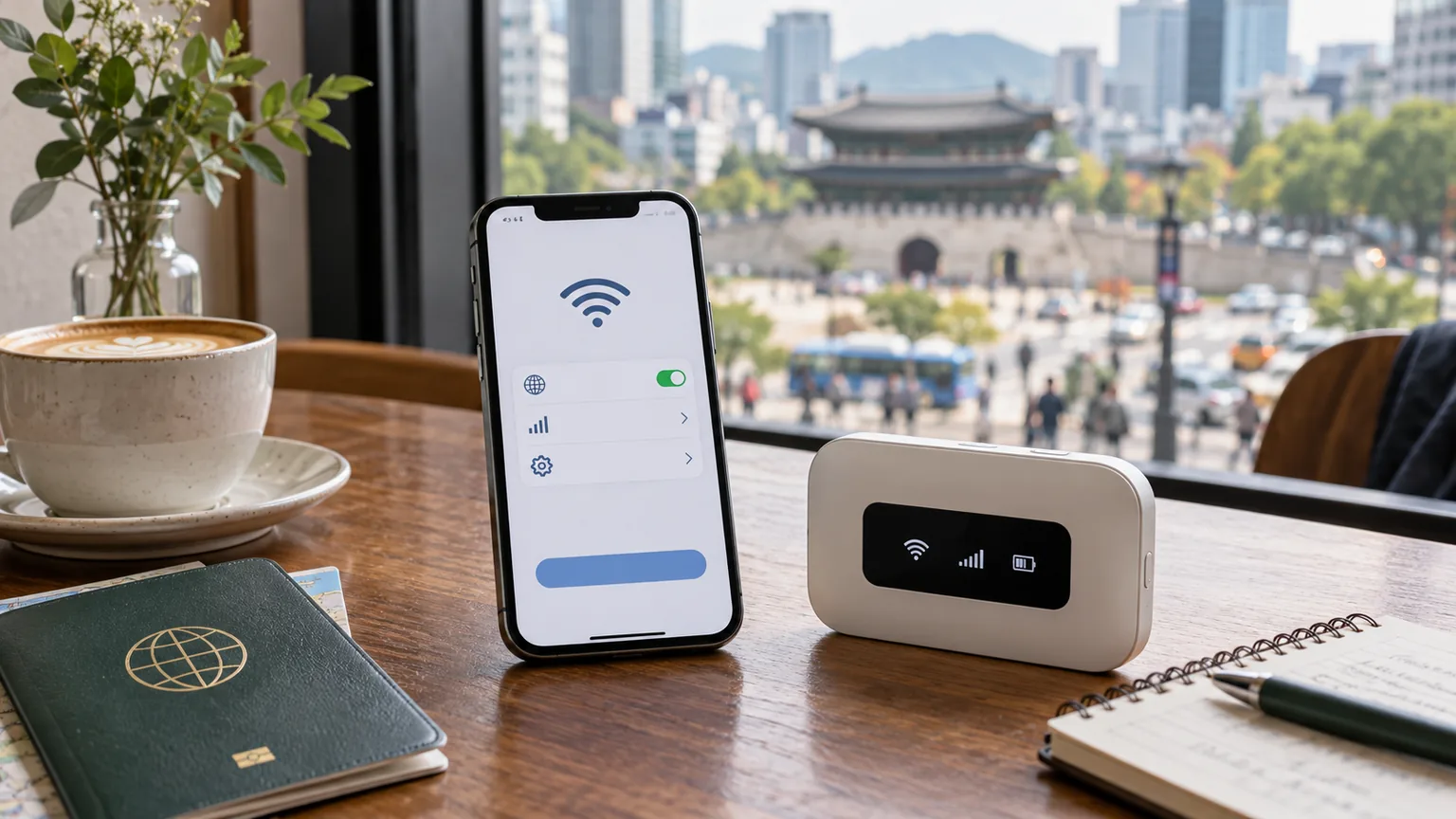
The default answer for a Korea trip has changed. Pocket WiFi used to be the obvious way to put several devices online, but a compatible phone can now connect through an eSIM before you leave the airport. The better option depends less on raw speed than on who needs the connection and whether your group will stay together.
The decision in one table
| Trip condition | Better fit | Reason |
|---|---|---|
| One traveler with an unlocked, eSIM-compatible phone | eSIM | No rental counter, separate battery, or return |
| Two travelers who may split up | One eSIM each | Each person keeps maps, messages, and bookings when apart |
| A family or group that will stay together | Pocket WiFi | One rental can share data across several devices |
| A key phone is locked or does not support the chosen eSIM | Pocket WiFi | It connects over Wi-Fi instead of changing the phone’s mobile plan |
| You need a Korean number for calls or texts | A voice-capable local eSIM | A data-only eSIM and pocket WiFi do not provide outbound mobile service by themselves |
The dividing line is independence. Pocket WiFi is economical only while the people using it remain close to the router. If one person takes the device to Seongsu while another heads to Gyeongbokgung, the second person loses the connection. Separate eSIMs cost more than one shared router, but they preserve separate itineraries.
Choose eSIM when your phone passes two checks
An eSIM is a digital carrier profile installed on the phone rather than a plastic card. That removes the airport pickup and the extra object in your bag, but it does not remove compatibility rules. Before paying, confirm both eSIM support and carrier-unlocked status.
On many phones, dialing *#06# will show an EID if eSIM hardware is present. A visible EID is only the first check: the carrier still has to support that model. LG U+ warns on its current Korea eSIM page that some devices, including its listed Google Pixel, Motorola, and OPPO exclusions, cannot use its tourist eSIM even if the phone supports the technology elsewhere. Check the exact carrier product, not just a generic compatible-device list.
The phone also needs to be unlocked. Apple’s international eSIM guide tells iPhone users to open Settings → General → About and look for “No SIM Restrictions” beside Carrier Lock. Supported iPhones can keep a home line and a travel eSIM available together, but you should select the Korean line for mobile data and disable data roaming on the home line if your home plan would charge for it.
Install the profile while you still have reliable Wi-Fi, save the QR code somewhere another device can display it, and do not delete the profile as a troubleshooting experiment. LG U+ says its downloaded eSIM cannot be restored after deletion. Those small checks matter more than whether a product page describes activation as “instant.”
Pocket WiFi earns its place when one connection serves several people
Pocket WiFi is a rechargeable mobile router. Phones, tablets, and laptops join it like any other Wi-Fi network, so it works around a phone that is carrier-locked or lacks eSIM support. It can also be the cleaner purchase for parents traveling with children or a team carrying several devices.
The trade-off is physical. Someone must collect the router, keep it charged, carry it, and return it. LG U+’s current pocket WiFi offer requires airport pickup and return. It also requires a credit or debit card for the deposit process; the company lists a KRW 70,000 temporary charge for debit cards, refunded after the device is returned in good condition. Rental fees continue until return, so this option adds a departure-day task.
The router is also a single point of failure. A dead battery, forgotten device, or separated group affects everyone. LG U+ currently includes a free power bank with its rental, which reduces the battery risk but adds another item to manage. Pocket WiFi makes the most sense when the group genuinely moves as one unit and one traveler is comfortable owning the logistics.
Price changes with party size, not just the advertised day rate
A fair comparison uses the same carrier, duration, and data conditions. On September 19, 2026, LG U+ listed pocket WiFi at KRW 4,400 per 24 hours. Its tourist data eSIM was KRW 6,500 for one day and KRW 27,500 for five days. Five days of that pocket WiFi day rate would be KRW 22,000, before considering any promotion.
That does not make the router universally cheaper. The products have different data policies: the cited LG U+ eSIM promises unlimited data without a speed cap, while the router provides 4 GB each day and then continues at up to 5 Mbps. More importantly, one router may serve a group, whereas each independent traveler needs a separate eSIM. Prices and promotions can change, so treat these figures as a dated same-carrier example rather than a permanent market ranking.
Use this calculation before buying:
- eSIM total: plan price × number of independently connected phones.
- Pocket WiFi total: rental days + any optional insurance or delivery cost, with the deposit kept separate because it should be refundable.
- Convenience cost: airport counter time, return obligation, charging, and the effect of splitting up.
For one person, paying a little more to remove four points of friction can be rational. For four people on the same itinerary, one router can have a strong cost advantage.
A Korean phone number is a separate decision
Internet access is enough for NAVER Map, translation, messaging, and most web bookings. Once connected, the NAVER Map failed-search guide shows how to find the correct Korean listing and save it before you travel.
Calls and texts are different. A pocket WiFi router supplies data, not a mobile number for your phone. Some eSIMs are also data-only. LG U+ states that its data-only eSIM cannot send calls or texts, while its data-plus-voice version can. SK Telecom’s tourist eSIM terms include incoming Korean calls and texts after passport verification, with outgoing service available after a balance top-up.
Even a tourist eSIM with a Korean number is not the same as a resident mobile account. SK Telecom says personal authentication services are unavailable on its tourist product, and LG U+ similarly excludes banking and government identity verification. Buy a voice-capable plan when receiving a reservation message or making a local call matters; do not buy it expecting to unlock every Korean app that requires identity verification.
Make the choice before you board
The Korea Tourism Organization’s communications guide points visitors to the roaming centers of KT, SK Telecom, and LG U+ and notes that prepaid eSIMs can be purchased online and delivered by email. That gives you two workable arrival plans: install a verified eSIM profile in advance and activate it in Korea, or reserve a router and collect it at the airport.
For an eSIM, take a screenshot of the provider’s setup instructions, confirm the phone is unlocked, and keep the purchase email accessible offline. For pocket WiFi, record the pickup counter, operating hours, return location, and deposit method. Put the router and power bank on the same charging routine as your phone.
The practical verdict is straightforward. A solo traveler should begin with eSIM compatibility and choose an eSIM if the phone passes. A couple should do the same if there is any chance of separate plans. Pocket WiFi wins for a connected group, several devices, or an incompatible phone—provided the group accepts the shared battery and return deadline.